Exporting 3D scenes
Overview
In Godot, it is possible to export 3D scenes as a glTF 2.0 file. You can
export as a glTF binary (.glb file) or glTF embedded with textures
(gltf + .bin + textures). This allows you to create scenes in Godot,
such as a CSG mesh blockout for a level, export it to clean it up in a
program such as Blender, and then bring it back into Godot.
note
Only Blender 2.83 and newer can import glTF files exported by Godot.
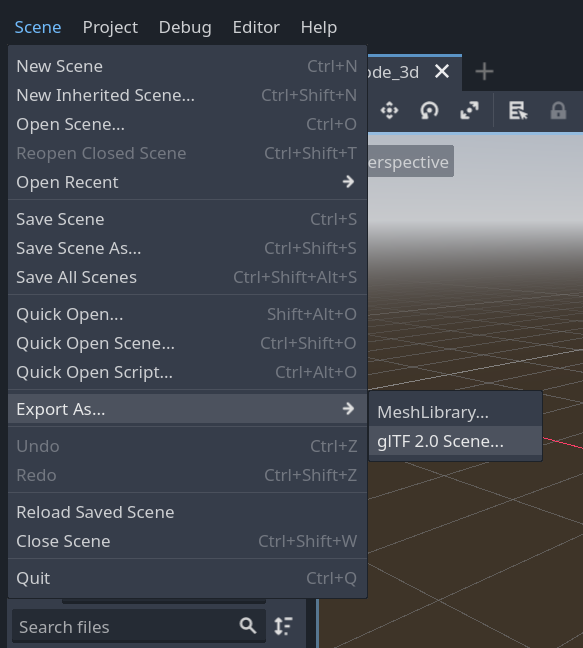
To export a scene in the editor go to Scene > Export As... > glTF 2.0 Scene...
Limitations
There are several limitations with glTF export.
- No support for exporting particles since their implementation varies across engines.
- ShaderMaterials cannot be exported.
- No support for exporting 2D scenes.
info
3D scenes can be saved at runtime using runtime file loading and saving , including from an exported project.